
Rocco on the web
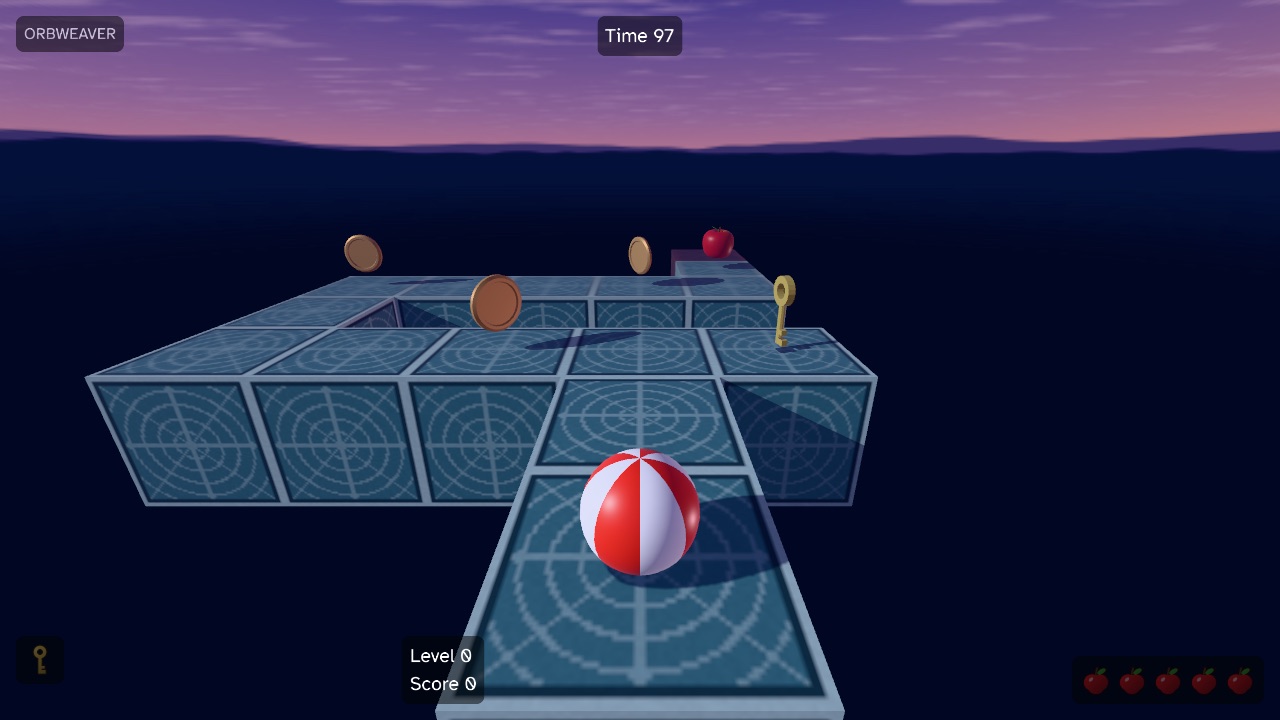
Rocco can now build your game for the browser! Roc natively compiles to WebAssembly and Rocco draws through WebGPU, and as of v0.14.1 it accepts two commands in your game’s folder. Here’s an example game below that you can play:
| Key | Action |
|---|---|
| Up, held | Roll forward |
| Left / Right | Turn 90° |
| Space | Jump in place |
| Up and Space | Jump forward two cells |
| Space, after a level | Go on to the next level |
| Escape | Quit |
Orbweaver is a small game I made for this post, inspired by Kula World on the PlayStation. A ball rolls over floating blocks at dusk, and when it rolls over an edge, gravity turns with it, so every face of a block is floor. Collect every key, then roll onto the exit. There are three short levels, and each one teaches a single move.
Build your own
In your game’s folder, download rocco_web.py from the release and run it:
curl -LO https://github.com/Pixelsprout/rocco-engine/releases/download/v0.14.1/rocco_web.py
python3 rocco_web.py
Currently you need both the Roc compiler and Python 3 installed in your PATH. The web host ships inside the platform bundle that Roc already downloaded for your game, so the script finds it there, builds the wasm and packs your assets/ folder.
That writes build/web/, a folder you can serve from any static web server, and a zip that’s ready to publish on itch.io. A game can also bring its own page, with a Click to play screen or anything else, and the engine tells that page what’s happening through a few rocco: events. The web builds guide covers all of it.
Current Limitations
- WebGPU only. There’s no WebGL fallback, because the clustered lights need storage buffers. Chrome and Edge have WebGPU, and Rocco is checked in Chrome.
- No gamepads. A web build reads the keyboard only. I hope to add support for gamepads on the web soon.
- No restart after Quit. Once a game quits, the page has to reload to play again.
- No developer tools. Shader reload, Spans, capture and GPU timing are native only.
The v0.14.1 release notes have the rest. Have fun, and let me know how far you get!